Simple classroom tools that just work.
Free, private tools for busy teachers: a visual timer, name picker, group maker, breathing guide, scoreboard, visual schedule, hall pass, clock practice and more. No accounts, no installs, nothing recorded.
All tools (10)
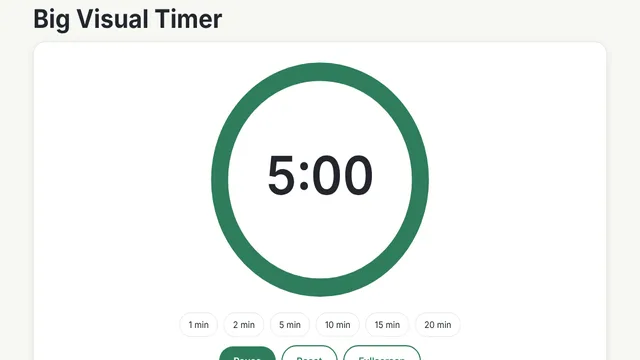
Big Visual Timer
A large, clear countdown that shrinks as time passes. One-click presets, a gentle chime and full-screen mode for the projector.
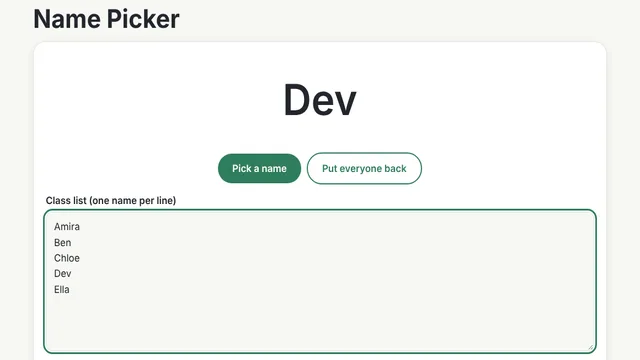
Name Picker
Pick a random student fairly. Names stay on your device, and picked names can be set aside until everyone has had a turn.
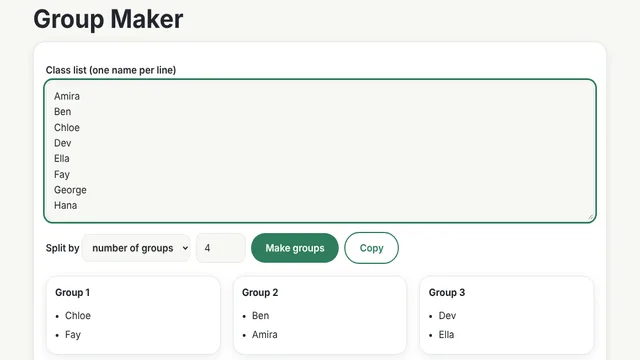
Group Maker
Paste a class list and split it into balanced random groups, by number of groups or by group size. Copy the result in one click.
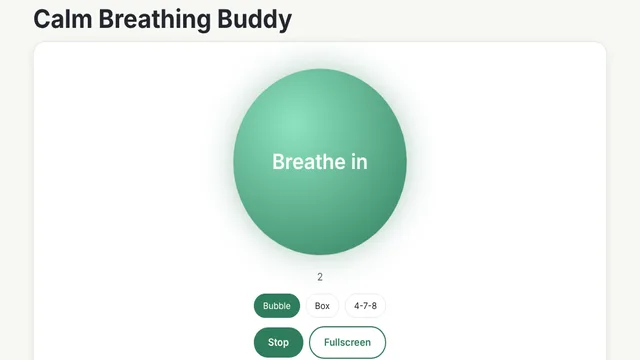
Calm Breathing Buddy
A gentle breathing guide. A glowing circle grows and shrinks in time with bubble, box and 4-7-8 breathing.
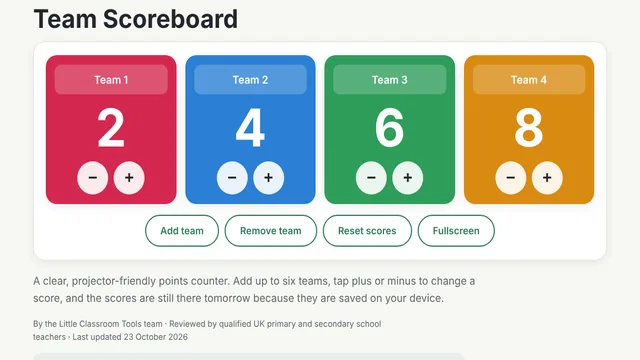
Team Scoreboard
A big, simple points counter for up to six teams. Rename teams, tap to add or remove points, and scores are kept on your device.
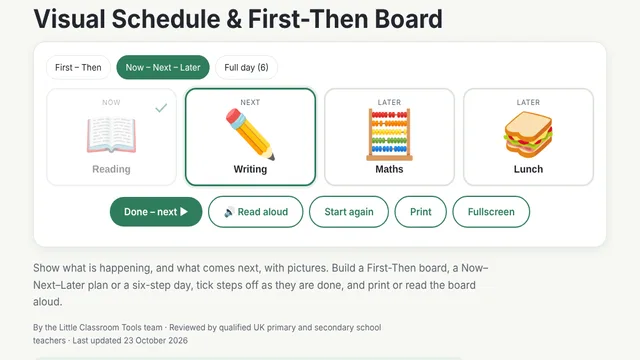
Visual Schedule & First-Then Board
Picture schedules for the classroom: First-Then boards and Now/Next/Later day plans with symbols, tick-off, read-aloud and print.
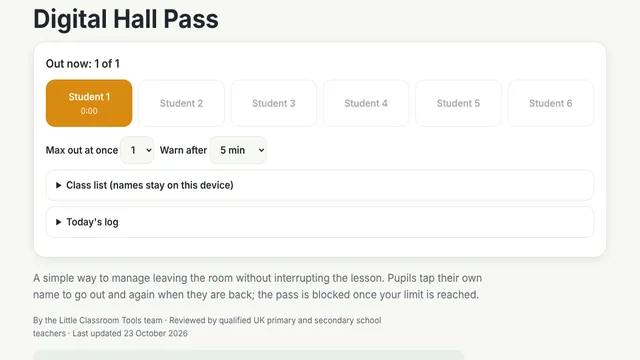
Digital Hall Pass
Pupils tap their name to go out and back. Set how many can be out at once, see time away and keep a private daily log.
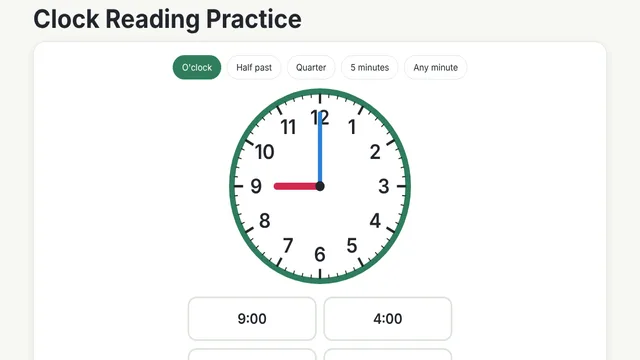
Clock Reading Practice
Learn to tell the time on an analogue clock. Five levels from o’clock to any minute, multiple choice, with streak stars.
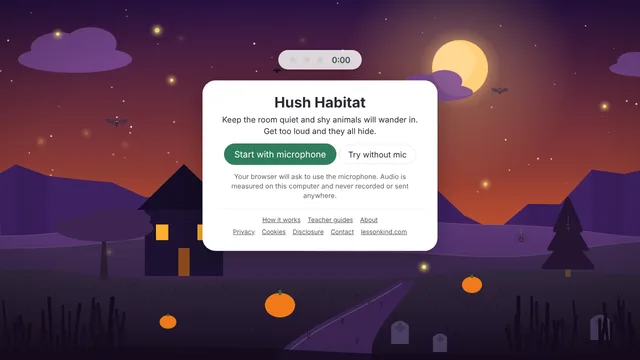
Hush Habitat
A calm classroom noise monitor. Shy animals arrive while the room stays quiet and hide when it gets loud. 17 scenes, 9 languages.
Opens its own site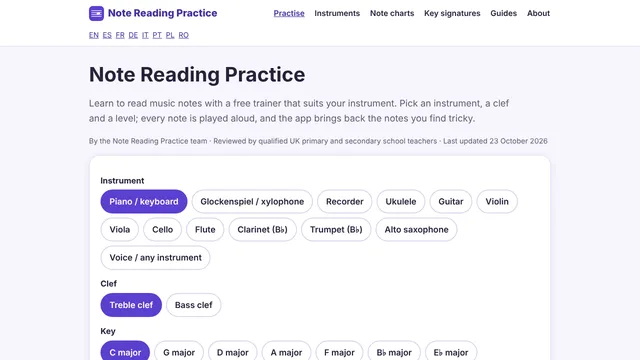
Note Reading Practice
Free music note-reading practice for 13 instruments, 3 clefs and 8 languages. Answer by name, keyboard, fingering or by playing.
Opens its own site
No tools match that search.
Private by design
Guides for teachers
Frequently asked questions
Are these classroom tools really free?
Yes. Every tool on this site is free to use, with no sign-up, no subscription and no pop-ups.
Do pupils need to create accounts?
No. Nothing here needs a login. Open a tool and use it.
Where are class lists and scores stored?
In your own browser, on the device you are using. They are not uploaded to us or anyone else. Clear the text box or your browser’s site data to remove them.
Do any of the tools record audio?
The tools hosted here do not use the microphone. Hush Habitat and Note Reading Practice, which are separate sites, offer an optional microphone mode that measures sound live on your device and never records it.
Will they work on an interactive whiteboard or projector?
Yes. They run in any modern browser, are designed to be read from the back of a room, and most have a Fullscreen button.
Can I suggest a new tool?
Please do. Use the contact page to tell us what would save you time in your classroom.